What Should a Small Business Website Include?
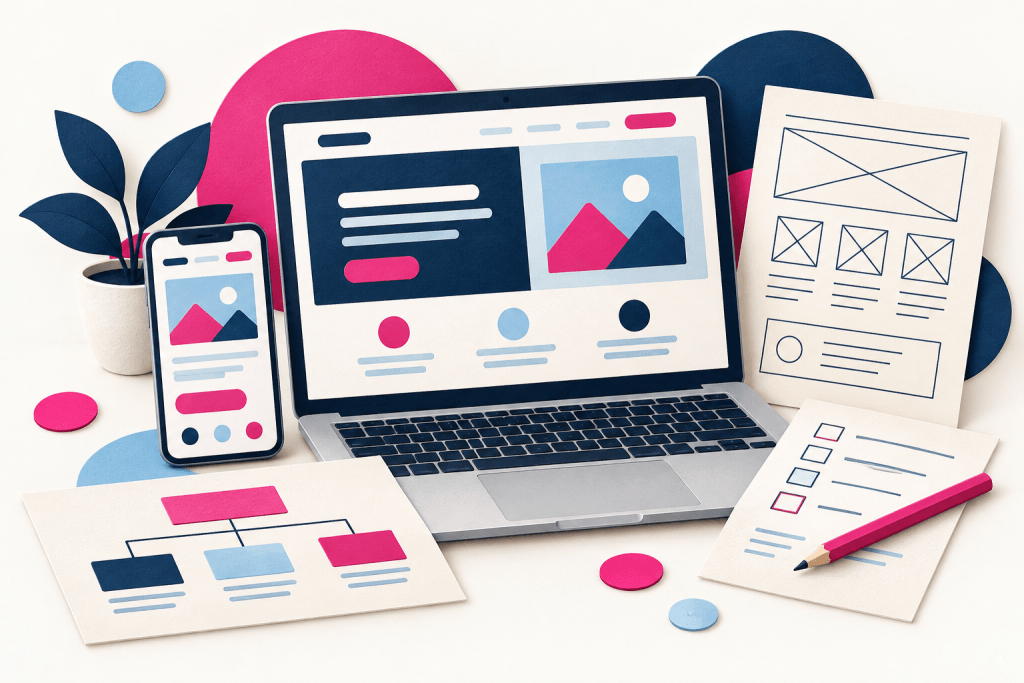
What Should a Small Business Website Include? – A small business website doesn’t need endless pages or complicated features to be useful. It needs to help potential customers understand what you offer, decide whether you’re right for them and take the next step.
That sounds straightforward, but it’s easy to lose sight of those jobs when choosing colours, photographs and layouts. Before you worry about how your website looks, think about what visitors need from it.
A clear explanation of what you do
Your homepage should quickly explain your business. Visitors shouldn’t have to interpret a clever slogan or scroll through several screens to discover what you actually sell.
Start with a clear description of your service or product, who it’s for and the main reason someone might choose you. You can still give your business personality, but clarity should come first.
Imagine someone arriving who has never heard of you. Would they understand your offer without asking you to explain it?
Enough detail to answer the obvious questions
A short service description might introduce your business, but customers often need more information before getting in touch.
Depending on what you offer, they might want to know:
- What is included?
- Who is the service suitable for?
- How does the process work?
- What do they need to provide?
- How do they get a price or quotation?
- What happens after they make an enquiry?
Answering these questions helps people decide whether to contact you. It can also reduce the time you spend explaining the same basics.
A sensible page structure
Some businesses can explain their offer effectively on one page. Others need separate pages for different services, examples of work and frequently asked questions.
The right number depends on your content. If visitors must work through a very long page to find the one service they need, separate pages may make things easier. If several pages repeat almost identical information, a simpler structure might be better.
Give pages familiar, descriptive names. People should be able to predict what they’ll find when they click a menu item.
Reasons to trust your business
A potential customer may like what you offer but still want reassurance before contacting you.
Real project photographs, relevant examples, genuine customer feedback and a useful introduction to your business can help. Explain your experience accurately and show the kind of work you want to attract.
Use images you own or have permission to publish. A specific example of your work will often tell a visitor more than a generic photograph.
An easy way to make contact
Your contact details shouldn’t be difficult to find. Provide a clear route from your main pages to an enquiry form, telephone number or other contact method you actively monitor.
Keep forms proportionate. Ask for the information needed to respond, rather than everything you might eventually need from a customer.
Explain the next step too. “Tell us what you need and we’ll get back to you” is more helpful than leaving someone wondering what submitting a form will trigger. Consider a ReachButton.
A layout that works on a phone
Check your website on a real mobile phone. Can you read the text comfortably, open the menu, tap the buttons and complete the form?
Pay particular attention to photographs, tables and embedded content. Something that fits neatly on a desktop screen may behave differently on a smaller display.
A plan for keeping it useful
Before launch, decide who will update contact details, replace old photographs and check that forms still deliver messages.
A small business website should reflect the business as it operates today. Building something you can keep accurate is more useful than filling it with features you won’t maintain.
At Is That All?, we help small businesses bring these essentials together in a straightforward website. If you’re unsure what yours needs, get in touch and tell us what you want it to achieve.